Move
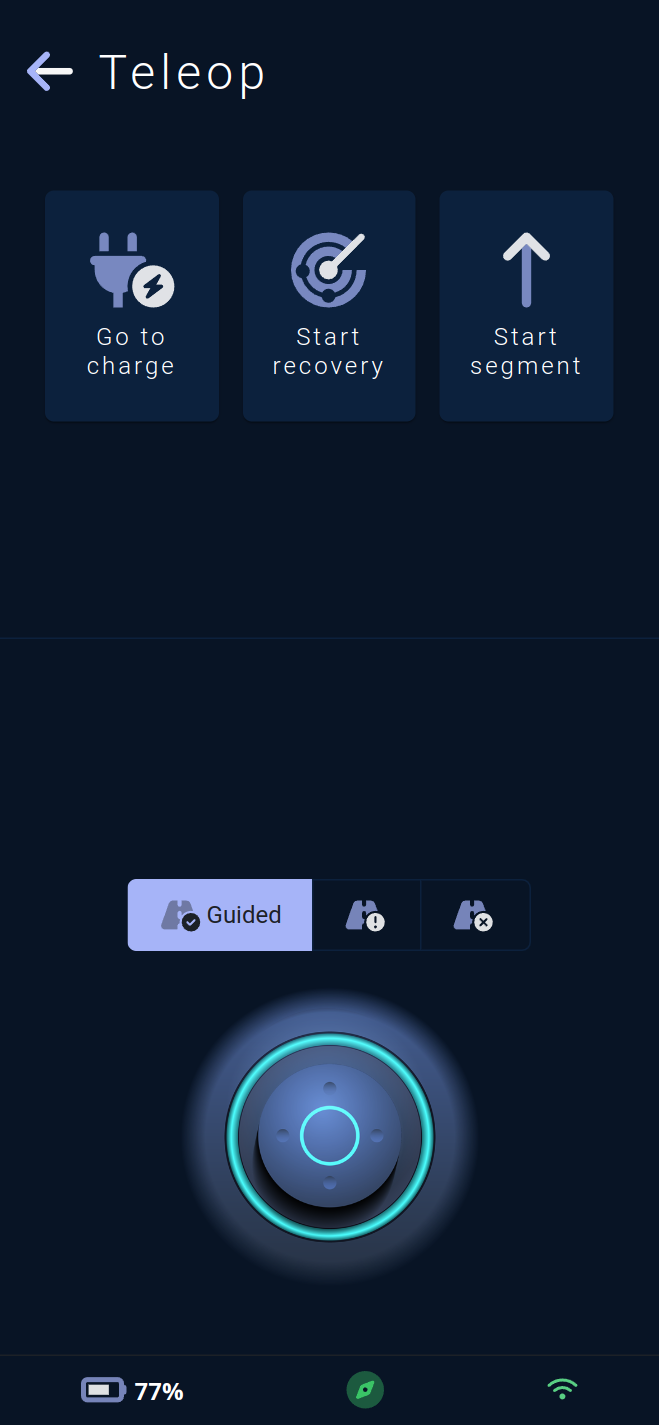
This page allows you to send movement and relocation commands to the vehicle.
At the top of the page, 3 functions are available via buttons:
The first, symbolized by a plug 🔌 , allows you to send the vehicle to its default charging station.
This button will be grayed out if the map does not contain any charging stations.
The second, symbolized by a radar 📡 , requests the vehicle to perform a
relocation: the vehicle will scan the surroundings and, if it finds a marker stored in its map, it will reposition itself perfectly relative to that marker.
This process also initiates the vehicle's autonomous navigation if it was not already started.
The third, symbolized by an arrow ⬆️ , allows you to send a segment type movement order: during a segment type movement, the vehicle will move straight ahead without deviating from its trajectory. It will stop if it detects an obstacle and will resume its straight path once the obstacle is gone. A window to set the distance of this segment will open upon clicking the button.
A negative distance will order the vehicle to perform the maneuver backward.
The virtual joystick 🕹 at the bottom of the page allows you to send movement commands to the vehicle. If the vehicle detects no obstacle, it will move in the direction indicated by the joystick. The joystick has three operating modes:
Guided: The vehicle will safely follow the walls andforbidden area, which is the default mode of the joystick.Assisted: The vehicle will safely follow the walls but can enter or exitforbidden area.
⚠️ The vehicle may get stuck in a restricted area and may not be able to exit via autonomous navigation.
Free: The vehicle will not follow the walls and can enter or exitforbidden area.
⚠️ The vehicle may get stuck in a restricted area and may not be able to exit via autonomous navigation.
For simpler teleoperation, the vehicle will turn on its corner LEDs to indicate its front and rear. The front corners will be lit in white and the rear corners will be lit in red.
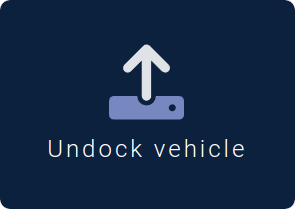
If the vehicle is currently docked, the joystick will be replaced by an undocking button.
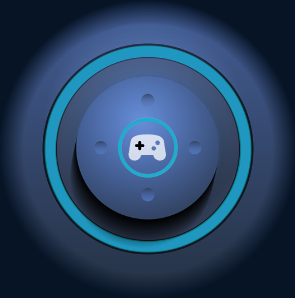
Teleoperation supports the use of the application's virtual joystick 🕹 and/or a physical controller 🎮. The joysticks 🖲️ and buttons on the controller can be used to send commands to the vehicle. Simply connect (Bluetooth, USB, etc.) the controller to the device running the application.
A controller icon 🎮 will be visible at the center of the joystick if operational and will pulse if movement commands are currently being sent by the controller.