Home Page
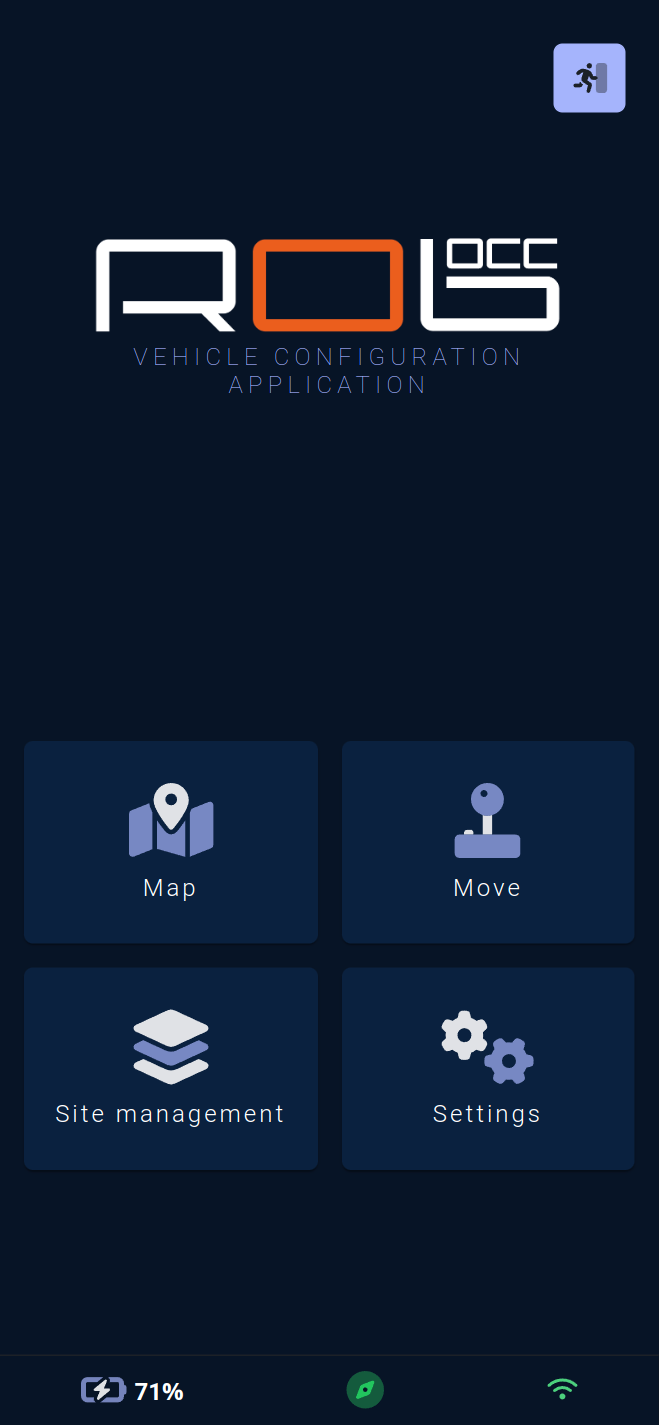
This home page serves as the starting point for navigation within the application.
The application is divided into four main pages or sub-menus:
The active map page 🗺️, which allows interaction with the vehicle's map.
The movement page 🕹️, which enables sending movement commands or moving the vehicle using the virtual joystick.
The site management sub-menu, providing access to pages for creating, editing, exporting, importing, and deleting sites and their maps, and configuring the vehicle's autopilot sequence.
The settings sub-menu ⚙️, offering access to pages for adjusting various vehicle settings, sounds, user accounts for the application, vehicle connectivity, and other settings.
The exit button in the top right allows logging out of the application and returns to the login page.